
 Mon–Fri: 10:00 – 18:00
  Request a call


Favicon Checker: Find Every Icon a Browser Looks For
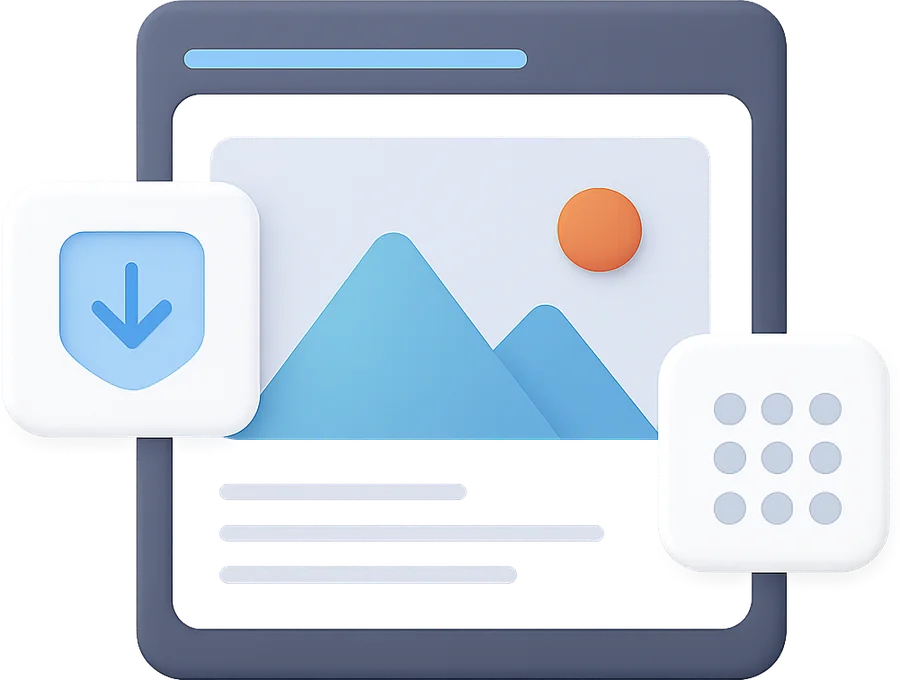
Favicons appear in browser tabs, bookmarks, search results, and PWA installs. Different platforms need different sizes (16x16, 32x32, 180x180 for iOS, 192x192 for Android). This tool checks common favicon paths plus the page's tags and shows previews of all working favicons.
How it works
Modern best practice: favicon.ico (32x32 multi-resolution), favicon-16.png, favicon-32.png, apple-touch-icon.png (180x180 for iOS), and a manifest.json with 192x192 and 512x512 icons for Android PWA install. Some sites also add 96x96 for Chrome desktop bookmarks. SVG favicon (modern browsers, scalable) is increasingly common.
Google's favicon requirements: must be at least 8x8 pixels, must be a multiple of 48x48, must be referenced via with HTML href. Common issues: favicon at /favicon.ico but no tag in HTML, favicon in unsupported format (SVG without PNG fallback in older browsers), CDN serving wrong MIME type.
Direct ranking — no. But favicon appears in SERP listings next to the page title (since 2020 on mobile, 2022 on desktop). A clear, branded favicon improves CTR which indirectly affects ranking through engagement signals.
Browser inconsistencies. Safari requires apple-touch-icon.png at /apple-touch-icon.png and /apple-touch-icon-precomposed.png. Chrome works with favicon.ico or favicon.png at root. Firefox is most lenient. Best practice: have all of them present rather than rely on a single file.
Want this done for you?
Pipeline-First B2B SaaS SEO • deployed 260605-fav
 Download brief
  Print brief
Choose the most convenient way to contact us:
See what is holding your own page back
Paste a URL and get about twenty checks on the live page — indexing, meta, headings, markup, speed. Every finding on screen, the fixes by email.
Get a free SEO audit
See exactly what is holding your B2B SaaS site back in organic search. We review technical SEO, content gaps, and competitor positioning — no strings attached.