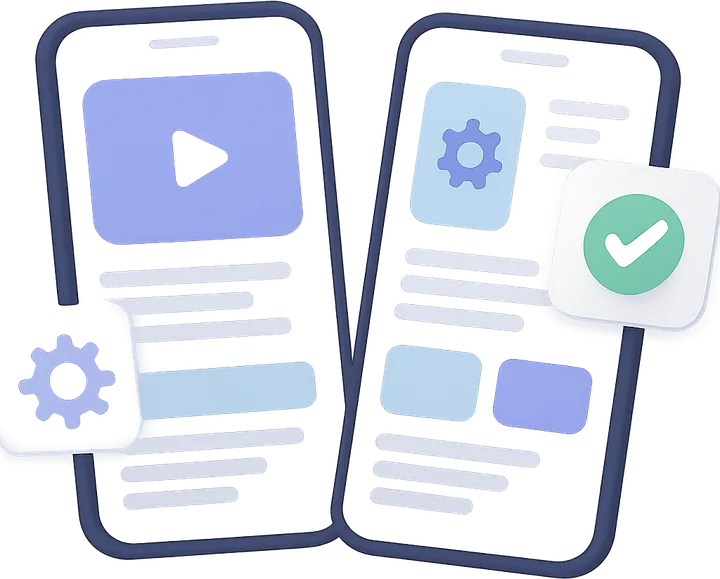
Progressive Web Apps (PWAs) bridge the gap between websites and native mobile apps. They load instantly, work offline, can be installed to the home screen, send push notifications and deliver app-like experiences — but they're built with standard web technologies and deploy through a URL rather than an app store. For businesses that need mobile app capabilities without native app complexity and cost, PWAs are increasingly the right choice.
nnCore PWA Technologies
nPWAs are built on three foundational web technologies. Service Workers are JavaScript scripts that run in the background, enabling offline functionality, background sync and push notifications. The Web App Manifest is a JSON file that defines the app's name, icons and display behavior when installed to a home screen. HTTPS is required for all PWA features and provides the security foundation. We implement all three correctly and completely — the most common mistake in PWA development is incomplete service worker implementation that leads to unreliable offline behavior.
nnOffline Functionality and Caching
nOffline functionality is the most technically challenging aspect of PWA development. We design cache strategies appropriate to your specific data: cache-first for static assets that change infrequently, network-first for dynamic data that must be current, stale-while-revalidate for content that benefits from showing instantly while refreshing in the background. For apps with user-generated data, we implement background sync that queues user actions when offline and submits them when connectivity returns.
nnPush Notifications
nWeb Push Notifications allow PWAs to re-engage users with timely, relevant messages — just like native apps. We implement the full web push stack: permission flow design that maximizes opt-in rates, server-side push infrastructure with proper topic management, rich notifications with images and action buttons, and analytics on delivery, open rates and conversion. Web push typically achieves 5–10x better opt-in rates than app push notifications because there's no app store gatekeeping.
nnInstallation and Home Screen
nThe install prompt — offering users the ability to add the PWA to their home screen — is a critical moment in PWA UX. We design custom install prompts that appear at the right moment in the user journey, maximizing install rates without being intrusive. Installed PWAs have dramatically higher retention and engagement than mobile web: users who install a PWA visit 4x more often and spend 3x more time than non-installed users.
nnPerformance as a Foundation
nThe P in PWA stands for Progressive, meaning the app should be usable regardless of connection speed. This requires performance engineering from the ground up: code splitting, tree shaking, image optimization, critical CSS inlining and resource hints. Our PWAs score 95+ on Lighthouse performance audits — not because we optimize for the score but because we build with performance as a first principle throughout.
Frequently Asked Questions
PWA is ideal when: budget is limited, you need to reach web and mobile audiences with one codebase, or you need to deploy updates instantly. Native is better for: deep hardware access (AR, complex BLE), heavy gaming or when App Store discoverability is critical.
Yes, with some limitations. iOS supports service workers, web push (from iOS 16.4+) and installation. A few native features remain iOS-only, but for most use cases PWAs work excellently on iOS.
For many use cases, yes. PWAs have replaced native apps for companies like Twitter Lite, Uber, Pinterest and Instagram (web) — delivering 99.9% of the value at a fraction of the maintenance cost.
Via the web URL (from search, social, email) with an install prompt. No app store required. This actually improves discovery for apps targeting web-first audiences.
Yes — progressive enhancement means you can add PWA features to an existing site. We audit current performance and add service workers, manifest and offline support incrementally.